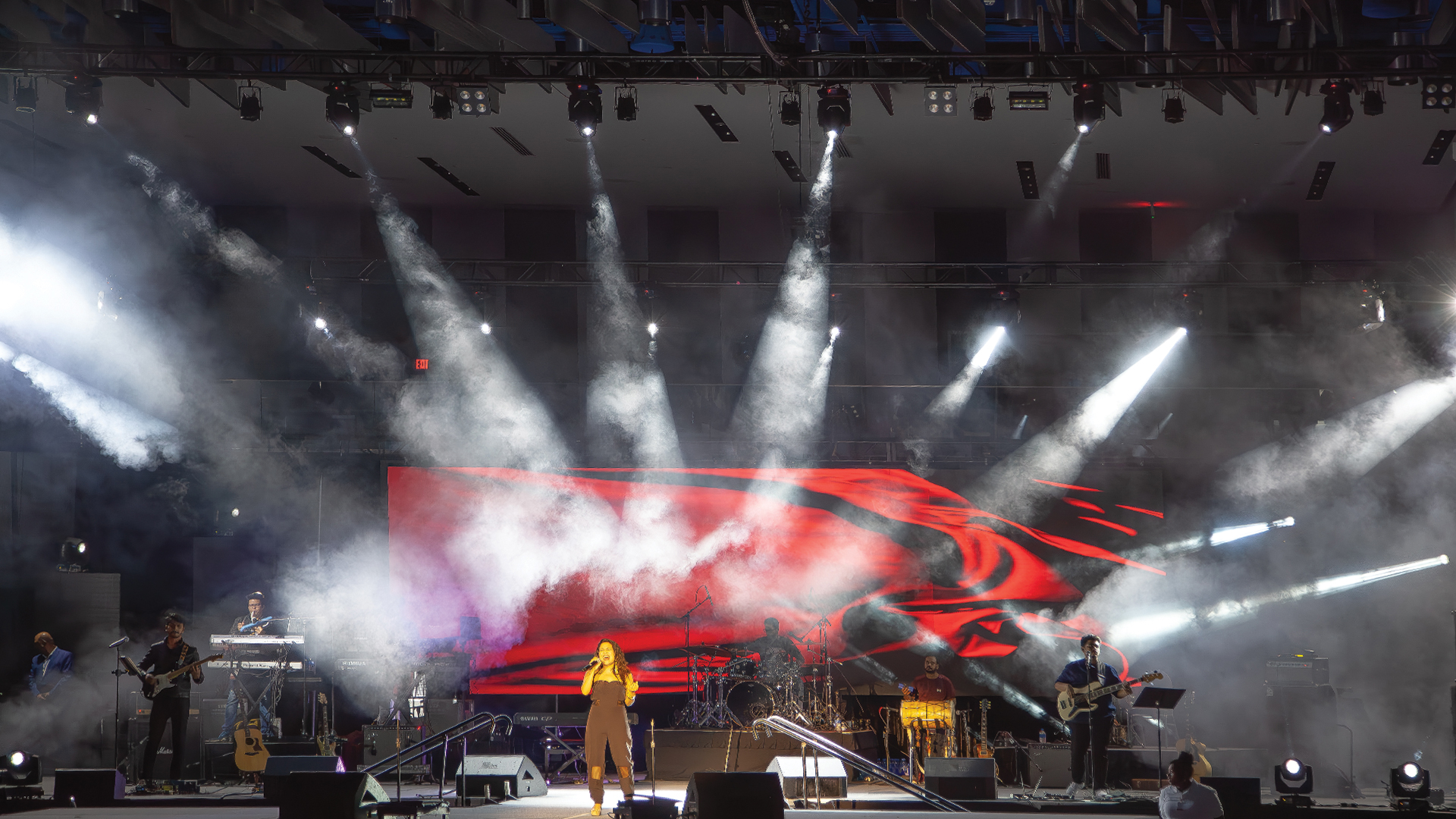
The lighting console operator presses a grand master fader smoothly from zero to full, expecting the stage to bloom evenly from darkness to full illumination — and instead the first 20% of the fader travel produces almost no visible change, followed by a sudden rush of light in the middle of the range, and a compression of intensity in the final third that makes the top of the fade feel sluggish and unsatisfying. This is a dimmer curve problem. It is one of the most common issues in professional event lighting, and it is entirely solvable with the right understanding of how dimmer response curves interact with both the dimming hardware and the human eye’s perception of brightness.
The Human Eye and Logarithmic Perception
The fundamental reason dimmer curves exist is that human visual perception is not linear — it is approximately logarithmic. The Weber-Fechner law, established in 19th-century psychophysics, describes this relationship: the eye perceives equal steps of brightness as corresponding to equal ratios of physical light intensity, not equal absolute increases. A dimmer that outputs linear voltage — rising evenly from 0% to 100% of its rated output as a fader is pushed from zero to full — will appear to rush through brightness in the lower range and compress in the upper range, because doubling physical output in the low range crosses many perceptual thresholds while doubling output near the top crosses almost none.
This is why professional dimmer curve libraries include square law, log curves, and S-curves — mathematical transformations applied to the fader’s linear output to produce a perceptually even fade. The ETC Paradigm architectural dimming system and the ETC Smartbar dimmer have offered programmable dimmer curves since the late 1990s. The grandMA2 and grandMA3 console families allow per-attribute dimmer curves to be programmed at the fixture level — a powerful tool that allows the programmer to compensate for fixture-specific non-linearities in a single patch operation.
LED Fixtures and the PWM Dimming Problem
The industry’s transition from tungsten and halogen sources to LED fixtures introduced a new chapter in the dimmer curve story. Tungsten lamps dim with beautiful natural behavior — their filament temperature drops as power reduces, shifting the color temperature warmer as they dim, in a way that the eye finds inherently pleasing. LED fixtures dim by reducing the PWM duty cycle — the proportion of time the LED array is switched on — which maintains color stability throughout the dimming range but can produce dramatic non-linearities if the driver electronics aren’t carefully designed.
The worst LED dimming behavior, common in lower-cost fixtures, is sudden extinction — the LED array switching off abruptly at a low dim level rather than fading smoothly to black. This occurs when the PWM frequency drops below the point where the driver can maintain stable operation. Premium LED fixtures from ARRI, Aputure, ETC, and Chroma-Q invest heavily in low-end dimming performance — the ability to hold a stable, flicker-free output at 0.1% intensity and below — precisely because this is where poor dimming performance is most visible to audiences and cameras.
Dimmer Curves in the Console vs in the Fixture
Modern LED fixtures with onboard dimming processors can receive a linear DMX control signal and apply their own internal dimmer curve to produce the desired output behavior. This creates a dual-curve environment — the console may be applying a log curve to the DMX output while the fixture is simultaneously applying its own internal correction. The interaction between these two curves can produce unexpected results: a fixture that appears to dim beautifully when controlled alone may behave differently when its curve interacts with the console’s programmed response.
The professional practice is to establish a single point of curve control — either at the console or at the fixture — and set the other to linear. Most experienced lighting programmers prefer fixture-level linear control with console-level curve programming, because it gives them the ability to apply different curves to different fixture types in the same rig without reprogramming each fixture individually. The grandMA3’s Dimmer Curve Editor and Eos Family’s Encoders menu provide exactly this control.
Practical Curve Selection for Different Show Types
Different production contexts demand different curve approaches. Corporate presentation lighting typically benefits from a smooth S-curve that provides controlled fade-ins and fade-outs that feel deliberate and professional rather than mechanical. Concert lighting often uses snap-to-full curves for punch-in effects and linear curves for conventional wash control. Theatrical productions may use traditional square law curves that preserve the visual behavior that directors and choreographers have been trained to work with over careers spent with tungsten dimmers.
The conversation between the lighting designer, the programmer, and the dimmer technician about curve selection should happen during the pre-production technical meeting, not on the show floor. Discovering that a console is outputting linear DMX to fixtures that expect square-law control when a keynote presenter walks onstage is not a technical discovery — it’s a preparation failure. Document your curve decisions, include them in the show file notes, and verify them during the first full systems test. The audience doesn’t see your curves — they see the light, and whether it moves the way it should.
