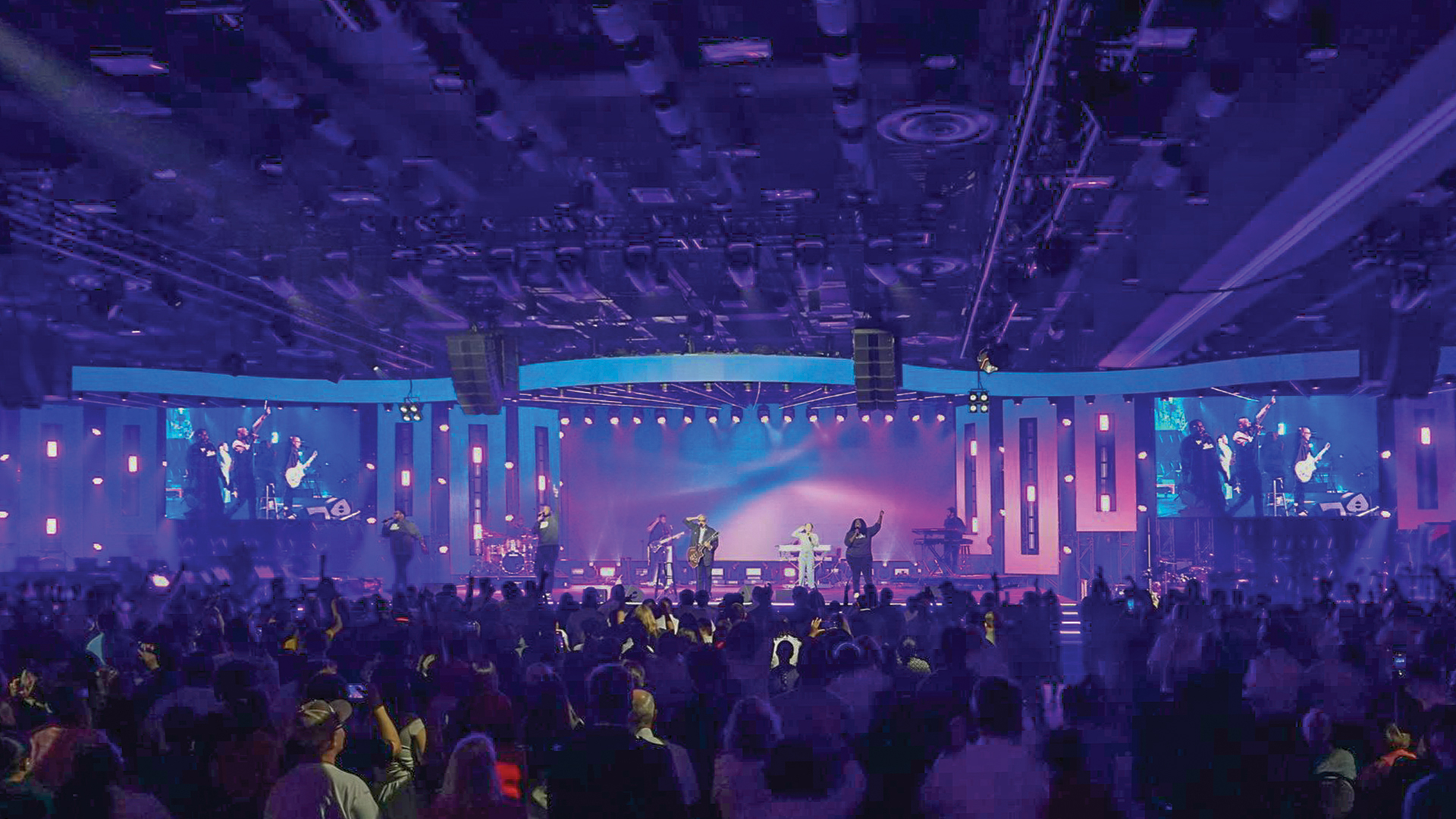
The multicamera live stream looked professional until the director cut to a wide shot showing massive moiré patterns across the LED wall backdrop. The camera operator had warned about this during setup, but schedule pressure pushed the production forward without resolving the issue. Multi-camera streaming with LED walls creates specific challenges that productions must address systematically to achieve broadcast-quality results.
Camera and LED Wall Synchronization
Shutter speed selection prevents the scan line artifacts that plague LED wall capture. Camera shutters exposing during partial LED refresh cycles capture images with visible banding. Setting shutter speeds to match LED refresh typically using 180-degree shutter rules relative to frame rate minimizes these artifacts. Genlock synchronization between cameras and LED processors ensures consistent timing relationships; Brompton Tessera processors include genlock inputs specifically for broadcast applications.
Moiré patterns appear when camera sensor pixel grids interact with LED pixel grids at certain magnifications and angles. Adjusting camera position, focal length, or LED content can minimize moiré; there’s no universal solution that works for all combinations. Testing each camera position and lens selection against the specific LED wall identifies problem combinations before live production. Some productions maintain “safe zones” where cameras can shoot without moiré issues, limiting creative options but ensuring reliable results.
Content Considerations for Broadcast Capture
LED wall content visible in camera shots should account for broadcast capture requirements. Fine patterns, thin lines, and high-contrast edges exacerbate moiré and scan line visibility. Content designed for broadcast capture often simplifies these problematic elements—using softer gradients, larger text, and avoiding patterns that create interference. The compromise between in-room impact and camera friendliness requires balancing; content teams should understand which shots will feature LED walls prominently and optimize accordingly.
Brightness matching between LED walls and foreground subjects affects camera exposure challenges. An LED wall significantly brighter than presenters forces camera operators to choose between properly exposed talent (with blown-out backgrounds) or properly exposed backgrounds (with dark talent). Reducing LED wall brightness to levels compatible with talent lighting—often 20-40% of maximum—enables balanced exposures. IRE levels measured through waveform monitors provide objective guidance for brightness setting that subjective viewing cannot match.
Streaming Infrastructure
Video switching for multicamera streaming uses the same principles as conventional broadcast, with switchers from Blackmagic ATEM, Ross Video Carbonite, and Sony providing the cut, dissolve, and effect capabilities professional streams require. The additional consideration for LED wall productions: ensuring all camera feeds are synchronized to avoid flash frames during cuts that genlock inconsistencies can create.
Encoding for streaming should use settings appropriate for the delivery platform and audience connections. OBS Studio, vMix, and hardware encoders from Teradek and AJA provide streaming output capabilities. Adaptive bitrate streaming via platforms like Vimeo Livestream and YouTube Live ensures viewers with varying connection speeds receive appropriate quality versions. Testing stream quality before going live reveals encoding issues that adjustments can address.
Multi-camera streaming with LED walls combines the challenges of live switching with the technical considerations of LED capture. Productions that invest in proper synchronization, content optimization, and systematic testing achieve professional results that enhance rather than detract from event content. The alternative discovering LED capture problems during live streams creates quality issues that post-production cannot repair and audiences cannot unsee.
